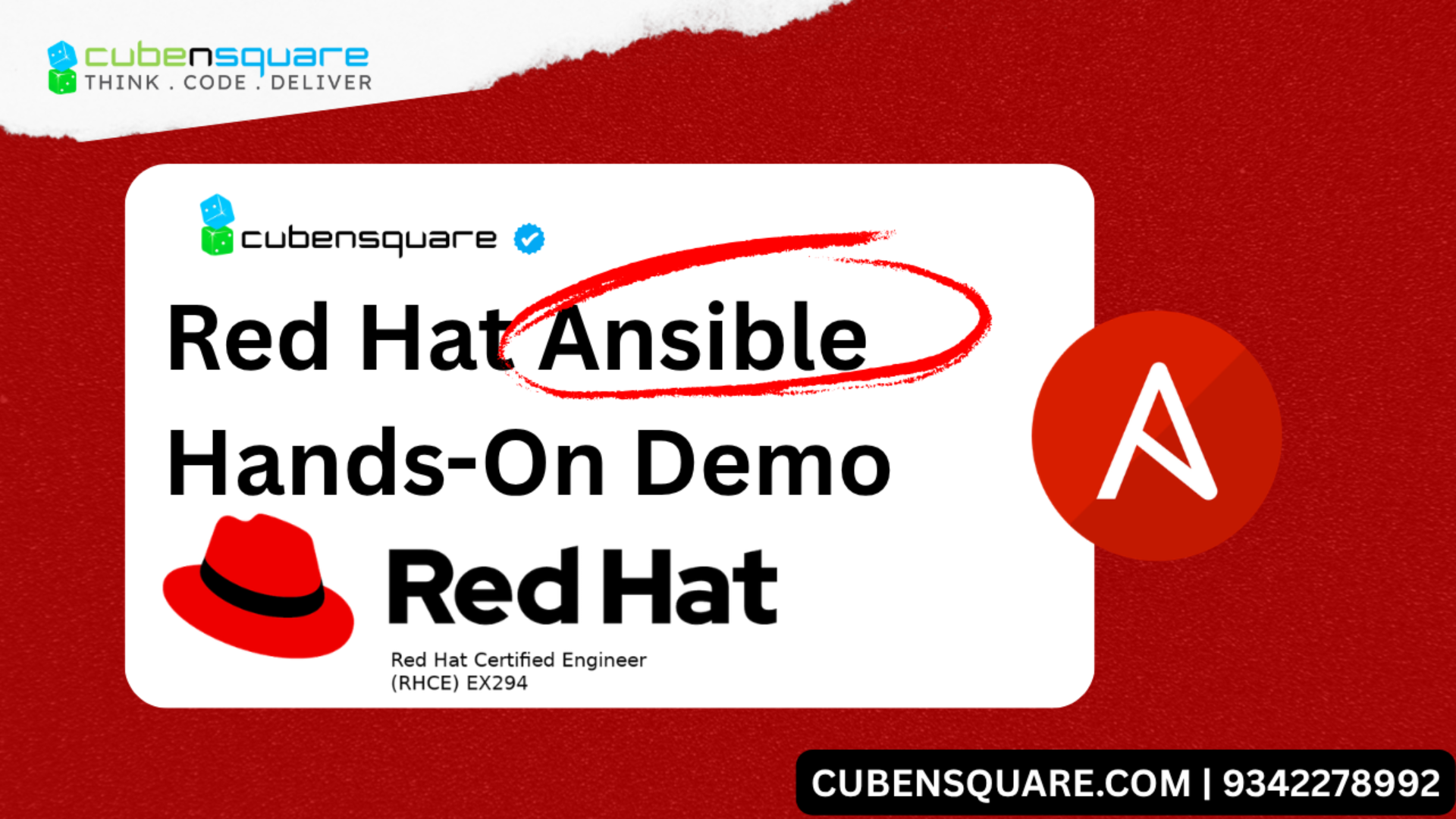
Redhat Ansible
AU294 | EX294
- 10 Chapters
- Redhat Ebook
- Redhat Exam
Red Hat Enterprise Linux Automation with Ansible
Learn how to automate Linux system administration tasks with Ansible.
Red Hat Enterprise Linux Automation with Ansible (AU294) is designed for Linux administrators and developers who need to automate repeatable and error-prone steps for system provisioning, configuration, application deployment, and orchestration.
This course is based on Red Hat® Enterprise Linux® 10, Ansible Core 2.16 and Ansible development tools in alignment with Red Hat Ansible Automation Platform 2.5 and 2.6.
Course Content Summary
- Install and configure Ansible development tools in VS Code and configure Ansible settings.
- Create and update inventories of managed hosts and manage connections to them.
- Automate administration tasks with Ansible Playbooks.
- Write effective playbooks at scale.
- Protect sensitive data used by Ansible Automation Platform with Ansible Vault.
- Reuse code and simplify playbook development with Ansible Roles and Ansible Content Collections.
Target Audience
This course is geared toward Linux system administrators, DevOps engineers, Site Reliability Engineers, infrastructure automation engineers, and developers who are responsible for repeatable tasks such as:
- Automating configuration management
- Ensuring consistent and repeatable application deployment
- Provisioning and deployment of development, testing, and production servers
- Integrating with DevOps continuous integration/continuous delivery workflows
- An introduction to Ansible
- Describe the fundamental concepts of Ansible and how it is used, install and configure Ansible development tools in VS Code, and configure Ansible settings.
- Developing automation content
- Build Ansible inventories, write and run simple and complex playbooks, and troubleshoot playbooks and host failures.
- Developing Automation Content: Variables
- Write playbooks that use variables to simplify management of the playbook, protect sensitive data in variables, and use facts and magic variables to reference information about managed hosts.
- Developing Automation Content: Task Control
- Write plays that use task control features to efficiently specify a task that must run once for each item in a list, or that only runs if certain conditions are met.
- Developing Automation Content: Deploying Files
- Deploy, customize, and adjust files on hosts managed by Ansible.
- Developing Automation Content at Scale
- Manage complex Ansible Playbooks by importing or including other playbooks and tasks, as well as by using advanced host patterns to efficiently select specific hosts from your inventory.
- Reusing Code with Ansible Roles and Content Collections
- Use Ansible Roles and Ansible Content Collections to develop playbooks more quickly and to reuse Ansible code.
- Automate Linux administration tasks
- Automate common Linux system administration tasks with Ansible.
Impact on the Organization
- Bring operational efficiency by removing manual processes through automation.
- Easily scale the organization's dynamic IT infrastructure.
- Accelerate application time to value.
- Rapidly adapt and implement needed innovation through DevOps practices.
Impact on the Individual
You will be able to apply automation-first principles to solve real-world Linux system and services problems through the effective creation of Ansible playbooks. You will gain the skills to automate your workflows, build the foundation for DevOps practices, and learn how to leverage Ansible for developmental efficiencies.
Recommended next course or exam
- Red Hat Certified Engineer (RHCE) exam (EX294)
- Developing Advanced Automation with Red Hat Ansible Automation Platform (AU374)
Study points for the exam
Candidates for the Red Hat Certified System Administrator in Ansible exam must be able to perform the following tasks:
- Be able to perform all tasks expected of a Red Hat Certified System Administrator
- Understand and use essential tools
- Operate running systems
- Configure local storage
- Create and configure file systems
- Deploy, configure, and maintain systems
- Manage users and groups
- Manage security
- Be able to analyze simple shell scripts
- Understand core components of Ansible
- Inventories
- Modules
- Variables
- Facts
- Loops
- Conditional tasks
- Plays
- Handling task failure
- Playbooks
- Configuration files
- Roles
- Use provided documentation to look up specific information about Ansible modules and commands
- Configure Ansible
- Create and modify ansible.cfg
- Modify ansible-navigator.yml
- Create a static host inventory file
- Create and use static inventories to define groups of hosts
- Configure Ansible managed nodes
- Create and distribute SSH keys to managed nodes
- Configure privilege escalation on managed nodes
- Deploy files to managed nodes
- Run playbooks
- Know how to run playbooks with ansible-navigator and ansible-playbook
- Use ansible-navigator to find new modules in available Ansible Content Collections and use them
- Use ansible-navigator to create inventories and configure the Ansible environment
- Perform basic source control operations using Git
- Clone a Git repository
- Add files to a Git repository
- Be familiar with Visual Studio Code (VS Code) and be able to perform the following tasks from within the editor:
- Create playbooks and push them to a Git repository
- Configure ansible-navigator
- Run playbooks using an Ansible development container
- Create Ansible plays and playbooks
- Know how to work with commonly used Ansible modules
- Use variables to retrieve the results of running a command
- Use conditionals to control play execution
- Configure error handling
- Create playbooks to configure systems to a specified state
- Use roles and Ansible Content Collections
- Create and work with roles
- Install roles and use them in playbooks
- Install Content Collections and use them in playbooks
- Obtain a set of related roles, supplementary modules, and other content from content collections, and use them in a playbook.
- Automate standard RHCSA tasks using Ansible modules that work with:
- Software packages and repositories
- Services
- Firewall rules
- File systems
- Storage devices
- File content
- Archiving
- Task scheduling
- Security
- Users and groups
- Manage content
- Create and use templates to create customized configuration files
- Use Ansible Vault in playbooks to protect sensitive data
As with all Red Hat performance-based exams, configurations must persist after reboot without intervention.
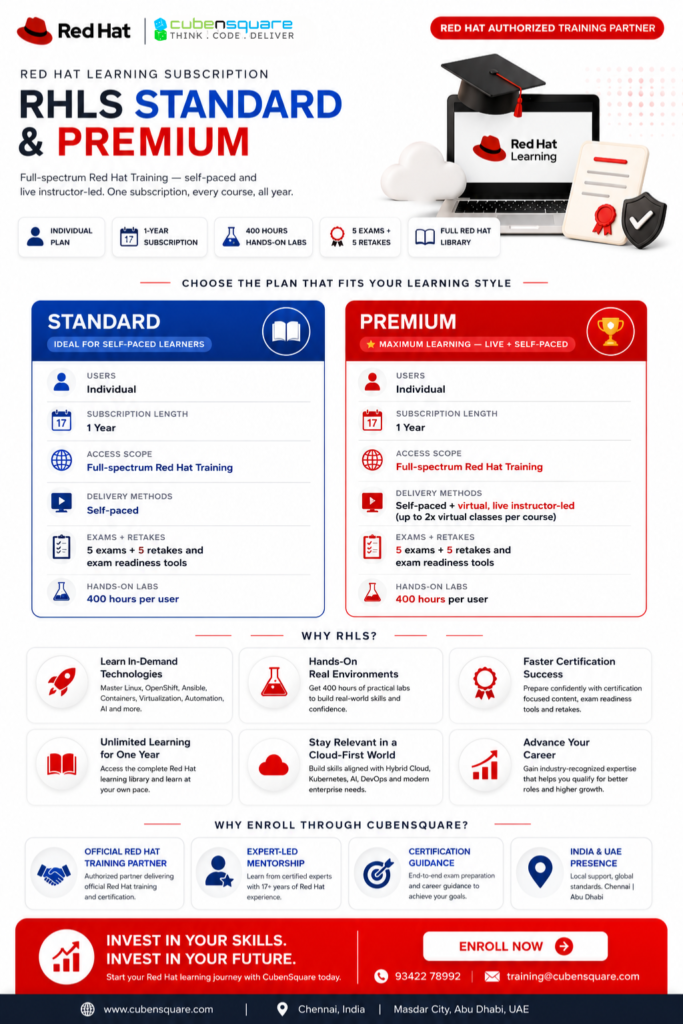
Other Redhat Courses
Master Red Hat Linux, Ansible Automation, OpenShift, OpenShift AI, Virtualization, and Enterprise Kubernetes.
Redhat Learning Subscription
Comprehensive training and learning pathways on Red Hat products, industry-recognized certifications, and a flexible and dynamic IT learning experience.